Recent Searches
Category

Microsoft Copilot Courses

Category

Microsoft Power BI

Category

AI for Business

Category

Microsoft Excel

Category

Professional Development

Category

Microsoft Office 365

Category

Excel Specialist

Category

Microsoft Project

Category

R Programming

Category

Python

Category

SQL

Category

Power Apps

Category

SharePoint

Category

Power Automate

Category

Microsoft Teams

Category

Microsoft Visio

Category

Microsoft PowerPoint

Category

Microsoft Word

Category

Microsoft Outlook

Category

WordPress

Category

Canva Courses

Category

Microsoft Access

Category

Webinars Old

Course

Copilot for M365

Course

Power BI Beginner

Course

ChatGPT Beginner

Course

Excel Beginner

Course

Achieving Leadership & Success

Course

Microsoft 365 Beginner

Course

Financial Modelling

Course

Project Beginner

Course

R Programming Beginner

Course

Python Beginner

Course

SQL Beginner

Course

Power Apps Beginner

Course

SharePoint Beginner

Course

Teams Essentials

Course

Visio Essentials

Course

PowerPoint Level 1

Course

Word Beginner

Course

Microsoft Outlook Beginner to Intermediate

Course

WordPress Essentials

Course

Canva Beginners

Course

Microsoft Access Essentials

Course

Build Your EQ Power: Practical Skills for Everyday Work

Course

Copilot for Word

Course

Power BI Intermediate

Course

Excel Intermediate

Course

Microsoft 365 Intermediate

Course

Analysis and Dashboards

Course

Project Intermediate

Course

R Programming Intermediate

Course

Python Intermediate

Course

SQL Intermediate

Course

Power Apps Intermediate

Course

SharePoint Intermediate

Course

PowerPoint Level 2

Course

Word Intermediate

Course

Canva Intermediate

Course

Microsoft Access Advanced

Course

Practical Project Management Webinar

Course

Copilot for Excel

Course

Power BI Advanced

Course

Excel Advanced

Course

Microsoft 365 Advanced

Course

Excel VBA

Course

Project Advanced

Course

R Programming Advanced

Course

Python Advanced

Course

SQL Advanced

Course

Power Apps Advanced

Course

SharePoint Advanced (Site Owner)

Course

Word Advanced

Course

Canva Advanced

Course

Minutes Taking Webinar

Course

Copilot for PowerPoint

Course

Power BI DAX

Course

Excel Expert

Course

Machine Learning in R

Course

SharePoint Advanced

Course

Maximising Your Copilot Investment: Turning AI into Real Productivity Gains

Course

Copilot for Outlook and Teams

Course

AI in the Workplace Webinar

Course

Copilot for Outlook and Teams (1)

Course

Writing Great Prompts for AI

Course

Copilot for Outlook and Teams (2)

Course

Inclusive App Development with Power Apps

Course

Copilot for Outlook and Teams (3)

Course

Power Automate Beginner

Course

Copilot for Outlook and Teams (4)

Course

Power Automate Intermediate

Course

Microsoft Outlook Advanced

Course

Copilot for Outlook and Teams (5)

Course

AI Prompting Fundamentals

Course

Power Automate Advanced

Course

Copilot for Outlook and Teams (6)

Course

Excel Tables and Pivot Tables

Course

Copilot for Outlook and Teams (7)

Course

Data Transformation with Power Query

Course

Excel Macro Mastery

Course

Copilot for Outlook and Teams (8)

Course

Power BI Desktop Advanced Reporting

Course

AI for Business Leaders and Managers

Course

Copilot for Outlook and Teams (9)

Course

Data Visualisation with Power BI Desktop

Course

AI for Business Leaders

Course

Copilot for Outlook and Teams (10)

Course

Anger Management & Negotiation Skills

Course

Assertiveness & Confidence

Course

Building Resilience

Course

Coaching and Mentoring

Course

Communications

Course

Communications & Quality Client Service Training

Course

Critical Thinking and Problem Solving

Course

Cultural Diversity in the Workplace

Course

Embracing Change

Course

Growing Emotional Intelligence

Course

Minute Taking

Course

Persuasion and Negotiation Skills

Course

Presentation Skills and Public Speaking

Course

Practical Project Management

Course

Respect, Equity and Diversity (RED)

Course

Resumé Writing and Interview Skills

Course

Stress Management

Course

Team Leadership, Management and Development

Course

Time Management Intensive

Course

Train the Trainer

Course

Write Effective Business Documents

Course

Dealing with Difficult People

Course

Managing Difficult Conversations

Course

Managing the Virtual Workplace

This course is delivered live online, remotely across Malaysia. 

To attend remotely from Malaysia, select "Remote East" or "Remote West" as your location when you book now.

Microsoft Copilot is transforming how we work and this course is your gateway to using it effectively in Microsoft Outlook and Teams. Whether you're sending emails, managing meetings, or collaborating across channels, Copilot helps streamline your day and reduce manual effort.

This full-day, hands-on course introduces Copilot in a practical, accessible way. You'll learn how to write smarter, meet better, and collaborate faster all using the tools you already work with every day.

If you use Outlook and Teams, this course is for you.

By the end of this course, you’ll confidently use Microsoft Copilot to:

  • Draft and refine professional emails
  • Summarize threads and inboxes to find what matters fast
  • Catch up on chats, meetings, and projects in Teams
  • Prompt Copilot Chat to retrieve updates and insights
  • Automate meeting prep and follow-up
  • Create announcements, posts, and shared content with AI assistance
  • Save time with repeatable, high-impact prompts

Course Details

Download Course PDF
Price
RM 1,685
Duration
1 day
Times
9am-4pm
Class Size (max)
8
Class Size (avg)
6
Reference Materials
Provided
CPD Hours
6 hours
Delivery
Instructor-led training
Live Online
Address
N/A

Upcoming Courses

Remote KUL

Remote KUL
Date
Course
City
Status
Mon 28 Sep 26
Mon
28
Sep
Copilot for Outlook and Teams
Remote KUL
Status: Scheduled
Scheduled
Scheduled
Taking enrollments.
Confirmed
Taking enrollments.
Few Seats left
Book Now.
Sold Out
Try another date.

Copilot Training Courses

Course Icon Copilot for M365

Learn how to use Copilot across Word, Excel, Outlook and more. Get hands-on with AI-powered tools to boost productivity and streamline everyday tasks.

download course pdf
Price: RM 1,475
Course Icon Copilot for Excel

Use Copilot to analyse data, write formulas, build dashboards and automate reporting. Make Excel smarter, faster and easier.

download course pdf
Price: RM 1,685
Course Icon Copilot for PowerPoint

Turn ideas into polished presentations with AI. Learn how to draft slides, enhance visuals and create content using natural language.

download course pdf
Price: RM 1,685
Course Icon Copilot for Word

Write, edit and summarise documents faster with Copilot. Save time and improve quality using AI in Microsoft Word.

download course pdf
Price: RM 1,685

Copilot for Outlook and Teams Malysia Course Content

Expand All | Collapse All

Session 1 – Copilot Foundations: What, Where, Who

Power BI Copilot overview — what Copilot is and what it does in Power BI

Pre-Copilot vs Copilot era — from manual creation to AI-assisted orchestration, designer role shift

How users interacted with reports before Copilot

How Copilot changes report consumption and interaction

Copilot personas in Power BI — Designers, Analysts, Readers

Power BI Copilot core functions — Generate (designers), Explain (analysts), Summarise (readers)

Copilot interfaces and entry points: Copilot pane (report view), Skill picker, Prompt guide, Inline Copilot in DAX Query View, Measure descriptions via Properties pane, Smart Narrative visual

Session 2 – Grounding for Accuracy: Structure, Context, Metadata, Logic

Introduction to grounding and responsible AI usage

Importance of data quality and understandable questions

Definition of grounding in Power BI and how designers ground Copilot

Grounding via Structure: Data model design patterns, preparing the model for AI (simplify schema)

Grounding via Context: AI Instructions, business rules, using AI Instructions in prompts

Grounding via Metadata: Metadata enrichment, synonyms and Copilot queries, row labels and key columns, using row labels in prompts

Grounding via Logic (DAX): Copilot and DAX overview, creating and describing measures, measure recommendations, using measures in prompts

Optional exercises: Date dimension creation, time intelligence prompts

Validation of Copilot Outputs

Understanding Copilot citations

Reviewing and validating AI-generated answers

Session 3 – Create & Refine: Pages, Visuals, Narratives

Copilot creation modes — Create and Refine

Create summary pages (no prompt)

Executive summary using Smart Narrative

Create individual visuals using prompts

Prompting framework for designers

Create and refine visuals via prompts

Optional exercise: Time intelligence visuals

Refining page quality using Copilot

Publishing report to the Power BI Service

Accessing Copilot in the Power BI Service

Copilot in the Power BI Service

Standalone Copilot experience (Power BI agent)

Copilot in Power BI Apps

Session 4 – Trust at Scale: Governance, Discovery, Readers

Governance overview

Marking a semantic model as Approved for Copilot

Restricting Copilot to trusted content

Discovering reports and semantic models

Standalone Copilot governance considerations

Scope comparison: In-report Copilot vs Standalone Copilot

How Copilot finds answers — what makes content discoverable

Enhancing discoverability: endorsing semantic models, making reports discoverable, favouriting reports

Verified Answers & Featured Q&A

Verified Answers overview

Creating Verified Answers

Featured Q&A questions

Consuming Reports with Copilot & Prompting for Readers

Copilot access for readers and analysts

Copilot modes in the Power BI Service

Prompting framework for readers

Question types in Standalone Copilot

Example prompts: Executive summaries, deep dives and trend analysis, iterative refinement, direct Q&A

Optional real-life question examples

Report subscriptions with Copilot summaries

Frequently Asked Questions

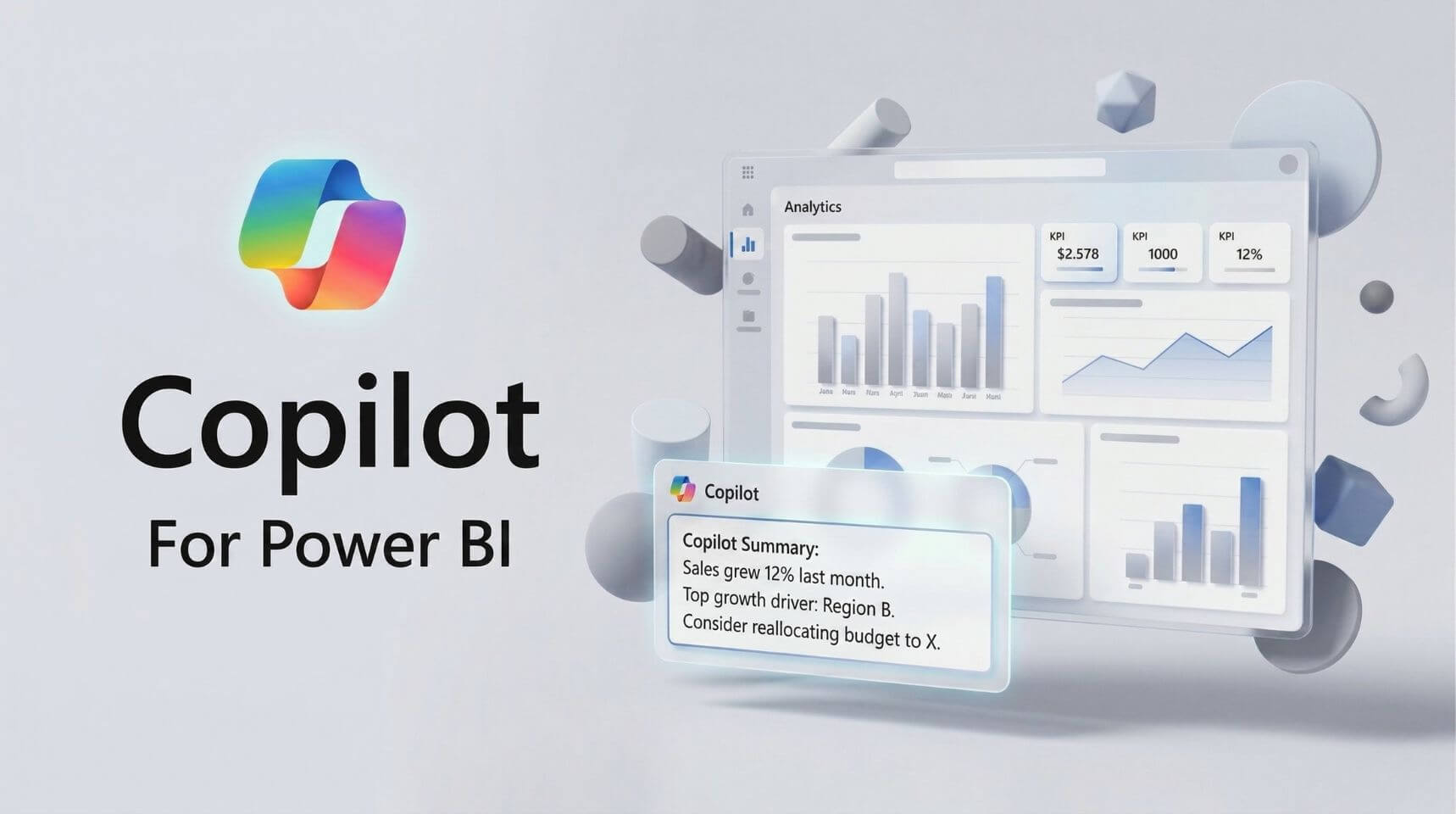
What is Power BI Copilot?

Power BI Copilot is an AI-powered assistant built into Power BI Desktop and the Power BI Service. It helps users create report content, summarise insights, explain trends, and explore data using natural language prompts.

What do you learn in Power BI Copilot training?

This Power BI Copilot training course teaches intermediate users how to use Copilot accurately, responsibly, and effectively in real-world reporting. You will learn how Copilot works in Power BI, how to prepare semantic models, improve grounding, generate useful outputs, validate responses, and apply governance for trusted AI-driven analytics.

Who should take Power BI Copilot training?

This course is designed for intermediate Power BI users, including report authors, data analysts, business analysts, and BI or analytics leads. It is best suited to teams that want to adopt Copilot in Power BI while maintaining accuracy, trust, and governance.

Do I need Power BI experience before taking this course?

Yes. You should already have hands-on experience with Power BI Desktop, including data models, measures, basic DAX, and publishing to the Power BI Service. This course focuses on using Copilot effectively rather than teaching foundational Power BI skills.

How does Copilot work in Power BI?

Copilot works by using your semantic model, metadata, and prompts to generate insights, visuals, summaries, and explanations. The quality of its output depends on how well your Power BI model is structured, described, and governed.

What is grounding in Power BI Copilot?

Grounding is the process of preparing your semantic model so Copilot can return more accurate and relevant results. This includes using a clear model structure, meaningful labels and descriptions, well-defined DAX measures, and business context that helps Copilot interpret your data correctly.

How do you improve accuracy in Power BI Copilot?

You improve accuracy by building well-structured semantic models, enriching metadata, defining business rules clearly, and reviewing prompts carefully. In this course, you will learn practical techniques to improve grounding and reduce unreliable or incomplete Copilot responses.

How do you validate Power BI Copilot outputs?

Power BI Copilot outputs should be validated by checking citations, comparing responses with visuals and model logic, and applying human review before sharing insights more broadly. Validation is essential for trusted AI-driven reporting and is a core focus of this course.

What is Approved for Copilot in Power BI?

Approved for Copilot is a governance setting that identifies a semantic model as trusted for Copilot use. This course explains how to use approved data sources, manage discoverability, and support safer AI adoption across reporting environments.

What are Verified Answers and Featured Q&A in Power BI?

Verified Answers are curated responses to common business questions, while Featured Q&A highlights suggested prompts for users. Together, they help improve consistency, reliability, and usability in Power BI Copilot experiences.

Can report readers use Power BI Copilot?

Yes. Report readers and analysts can use Copilot in the Power BI Service and related experiences, depending on permissions and setup. This course covers practical prompting techniques for summaries, deeper analysis, and iterative exploration.

How is this Power BI Copilot training course delivered?

This instructor-led Power BI Copilot course is delivered face-to-face or live online. It includes hands-on exercises, practical demonstrations, and applied guidance on Copilot, grounding, content creation, validation, and governance.

Course Details

Download Course PDF
Price
RM 1,685
Duration
1 day
Times
9am-4pm
Class Size (max)
8
Class Size (avg)
6
Reference Materials
Provided
CPD Hours
6 hours
Delivery
Instructor-led training
Live Online
Address
N/A

skills test nexacu

Skills Test

Try our short skills test and find out which course is right for you.

 skills test


Locations In-Person & Online

Find the nearest location and date that works for you

Locations In-Person & Online

Find the nearest location and date that works for you

Related Training Courses

Course Icon Copilot for M365

Learn how to use Copilot across Word, Excel, Outlook and more. Get hands-on with AI-powered tools to boost productivity and streamline everyday tasks.

download course pdf
Price: RM 1,475
Course Icon Copilot for Excel

Use Copilot to analyse data, write formulas, build dashboards and automate reporting. Make Excel smarter, faster and easier.

download course pdf
Price: RM 1,685
Course Icon Copilot for PowerPoint

Turn ideas into polished presentations with AI. Learn how to draft slides, enhance visuals and create content using natural language.

download course pdf
Price: RM 1,685
Course Icon Copilot for Word

Write, edit and summarise documents faster with Copilot. Save time and improve quality using AI in Microsoft Word.

download course pdf
Price: RM 1,685

Locations In-Person & Online

Find the nearest location and date that works for you

Locations In-Person & Online

Find the nearest location and date that works for you

Trusted Globally by Leading Organisations

At Nexacu, we are proud to be the trusted training partner for hundreds of leading organisations across Australia, New Zealand, and around the world. From government agencies to multinational corporations, we help teams build practical skills and achieve real outcomes through expert-led training.

  • 400+ companies rely on Nexacu for workforce development
  • Trusted by government agencies at all levels
  • Delivering training across 9 countries and growing

Why Nexacu? 

step by step courseware

Step by Step Courseware

Custom workbook included with a step by step exercises

Facility Image 2
Facility Image 3
Facility Image 1

Interactive real time training

Interactive, Real-Time Training

Learn with expert instructors, wherever you are

Trusted by Business

Trusted by Business

Procured by Government

Procured by Goverment

Reviews Not Found

Valued by Individuals