Australia
 New Zealand
 Singapore
 Hong Kong
 Philippines
 Thailand
 Indonesia
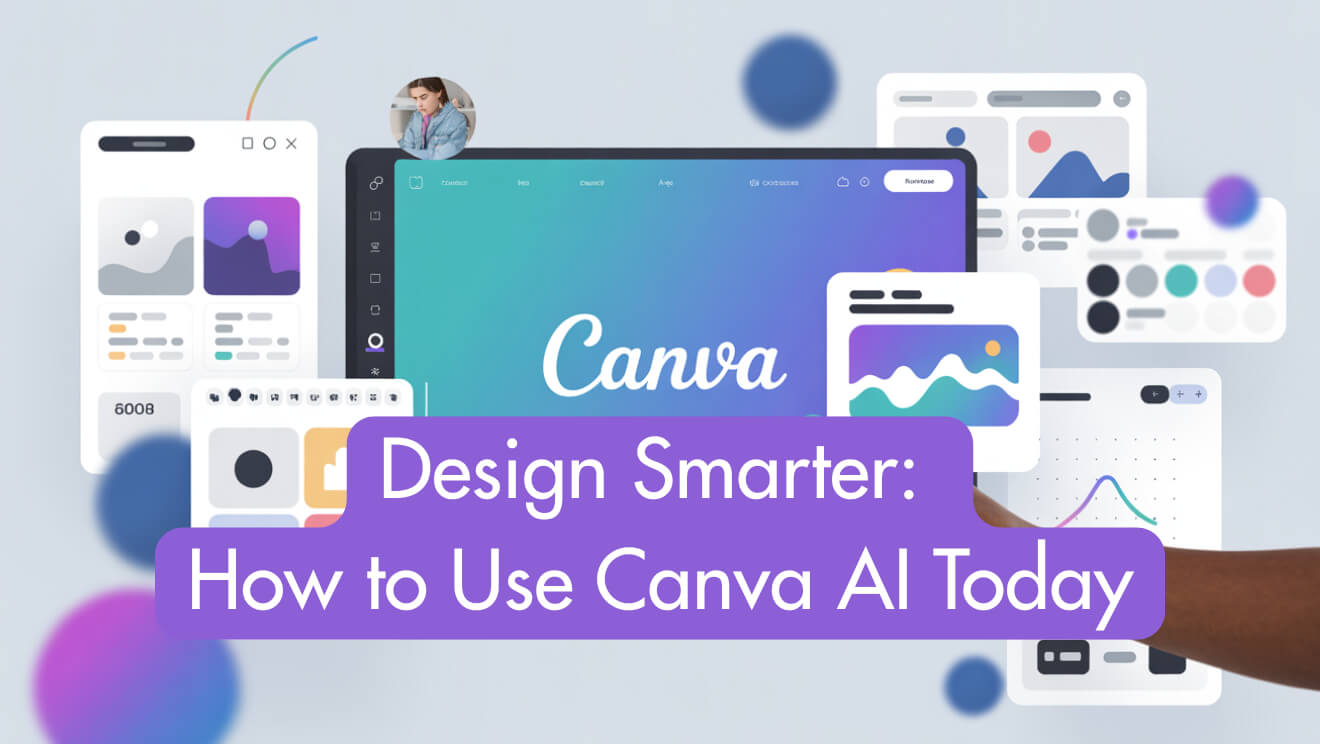
Design Smarter: How to Use Canva AI Today
Unlock the Power of AI-Driven Design with Nexacu
The world of design is changing quickly. Artificial intelligence has moved from science fiction into everyday creativity, and it is now accessible through Canva, a platform already known for its simple drag-and-drop features.
Whether you run a business, work in marketing, create social content, teach, or want to improve personal projects, Canva’s AI tools give you the ability to create content faster, smarter, and with more impact.
In this guide you will learn what Canva AI can do, how to use its main features today, and practical ways to include AI-generated text, images, video, and data in your work. By the end, you will be ready to design like a professional without coding or complex software.
What Is Canva AI?
Canva AI is a set of tools powered by artificial intelligence inside the Canva platform. These tools allow you to generate text, images, video, interactive code, and data visuals simply by giving prompts instead of creating everything manually.
- Magic Write – Create text for blogs, captions, emails and more
- Magic Media – Generate professional images and video with prompts
- Magic Studio – Central hub for all AI tools and editing
- Canva Sheets – Smart spreadsheets with automation and chart creation
- Interactive Code – Build quizzes, widgets and calculators without coding
Why Use Canva AI? The Smart Design Advantage
Professionals everywhere are expected to deliver high quality work in less time. Canva AI makes your workflow faster, easier, and more creative.
- Save time by automating repetitive tasks such as social media posts and presentations
- Stay on brand with colours, fonts and templates
- Boost creativity with fresh text, images and video in seconds
- Make collaboration simple for all team members
- Remove technical barriers, no design or coding skills needed
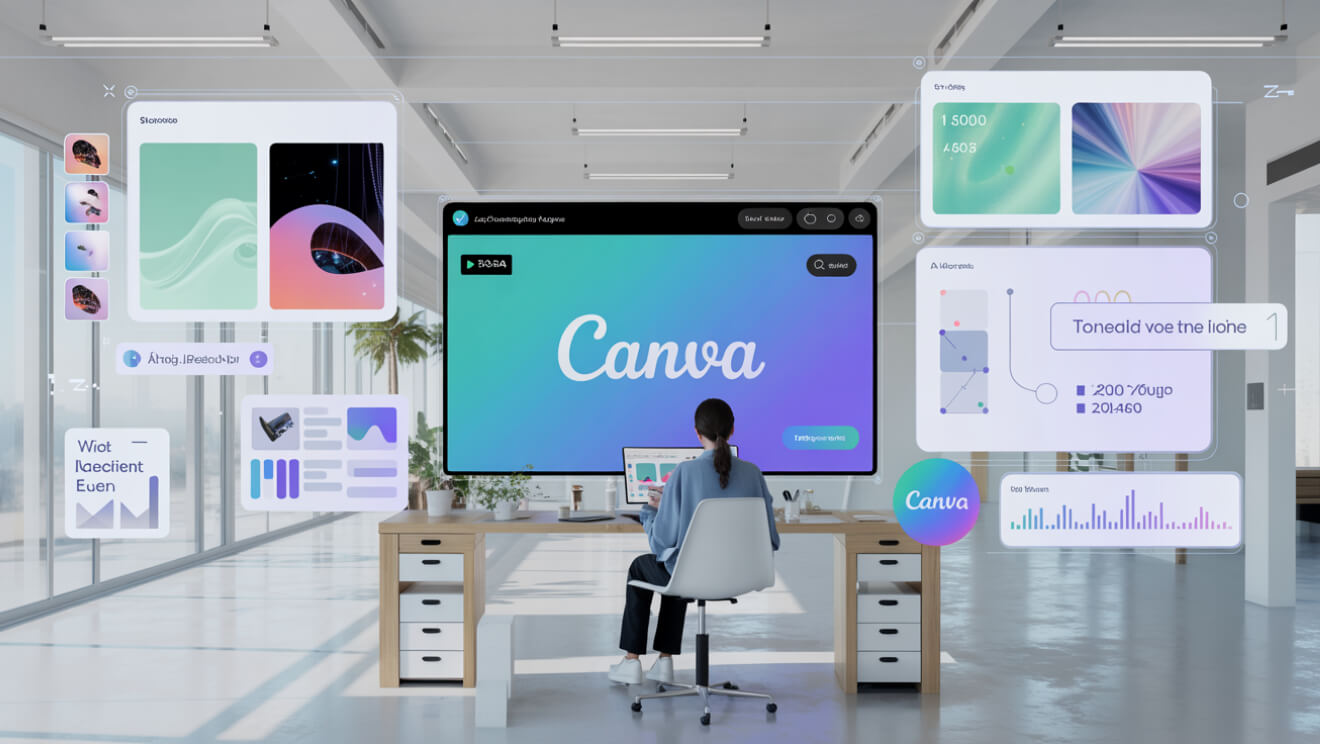
Getting Started
To start using Canva AI you will need:
- A Canva account. Pro is recommended for full access
- A desktop, laptop or capable tablet with internet access
- A willingness to try out prompts and experiment
If you are new to Canva, take the Canva Beginners course to get comfortable with the interface before moving on to AI tools.
Mastering Prompts
Prompts are the instructions you give the AI. The clearer and more specific your prompt, the better the output.
- Be specific – “A misty forest at sunrise with soft golden light”
- Set a tone – “Casual, friendly caption for a café reopening”
- Give context – “Simple bar chart of monthly sales for a business report”
- Test and improve – adjust and refine your prompts for better results
Prompt writing is a skill you will develop over time. The more you practise, the faster you will find what works best.
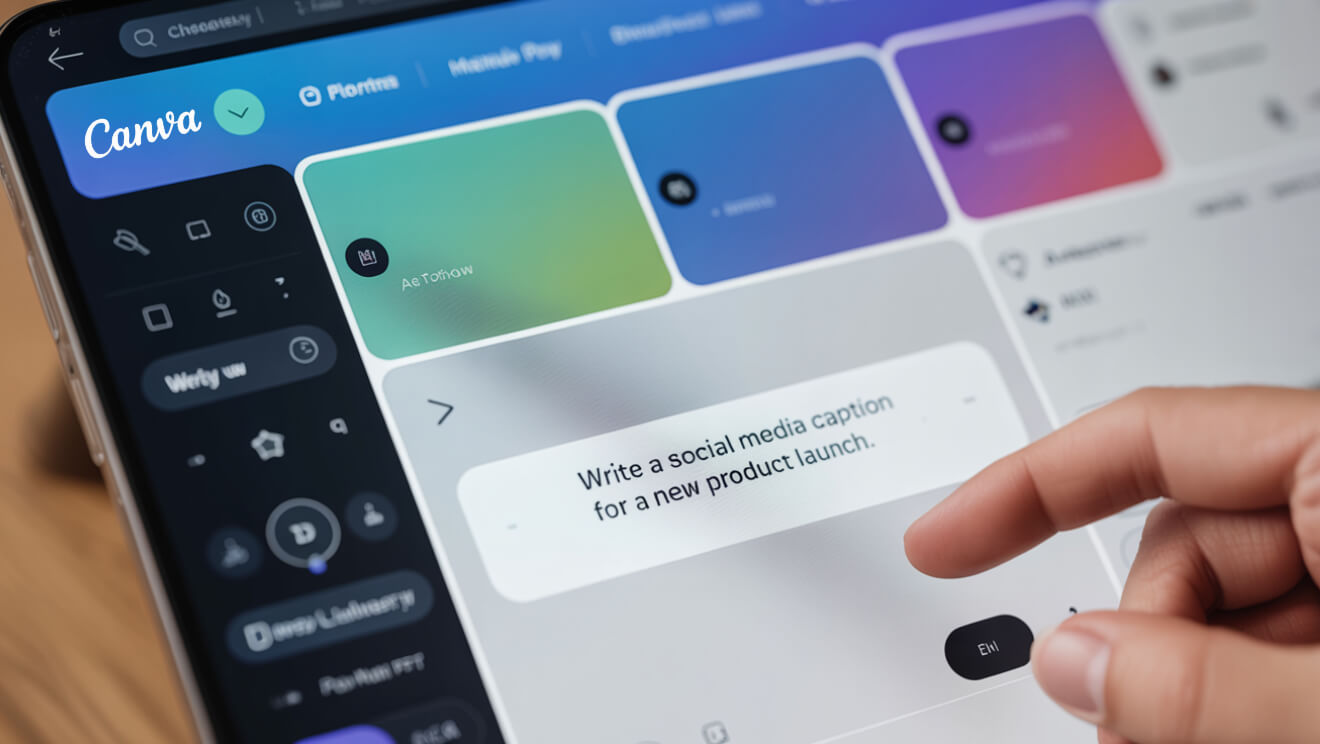
Magic Write: Quick Text Generation
Magic Write helps you draft blogs, captions or emails in seconds. Open a document, type your prompt such as “Write a short event invitation” and Canva AI will generate the text. Review, edit and reuse as needed.
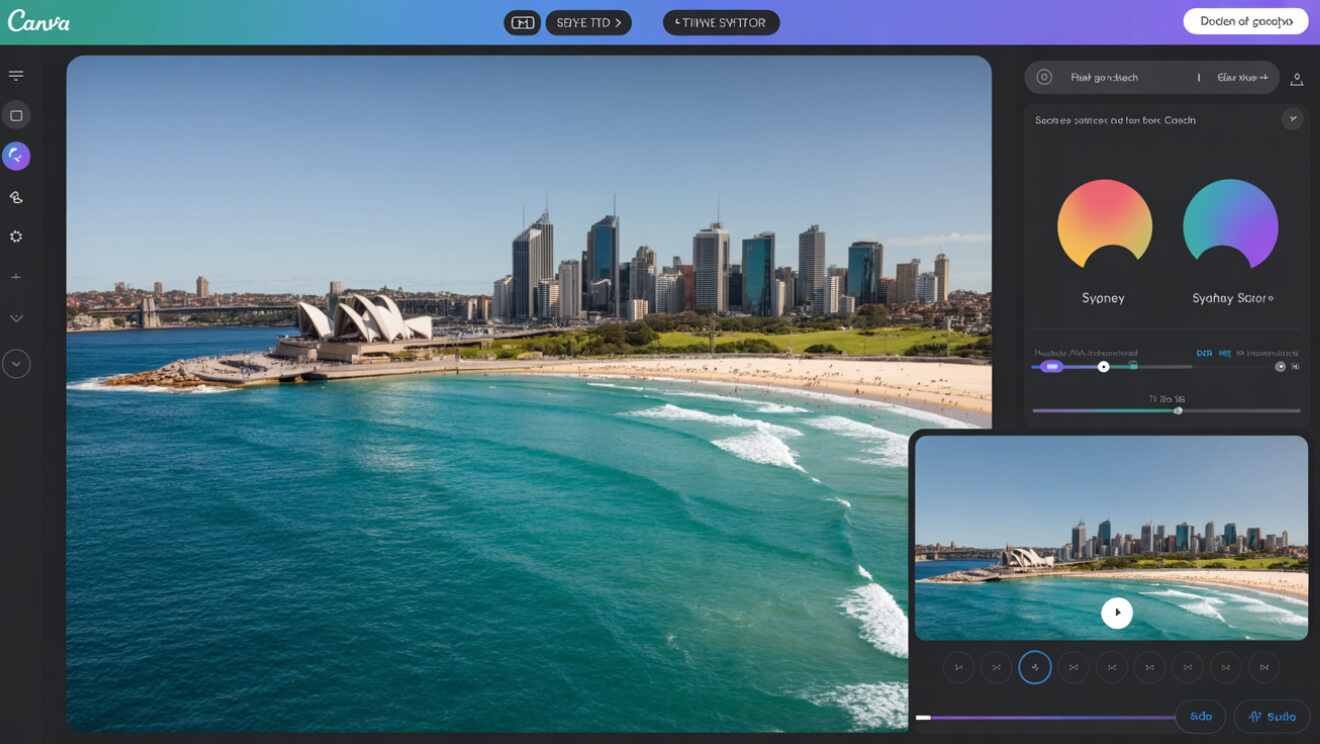
Magic Media: AI Images and Video
Describe what you want and Canva will create it. For example, type “Aerial photo of Bondi Beach in pastel tones” for images, or “Promo video with city skyline, upbeat music, animated text” for video. You can refine results and keep brand consistency.
Canva Sheets
Turn data into branded visuals with Canva Sheets. You can create charts with prompts such as “Pie chart of online vs in-store sales in blue and coral”, automate content from spreadsheets, and batch create posts, infographics and slides.
Interactive Code
Canva AI can generate simple interactive widgets, quizzes or calculators. For example, prompt “ROI calculator for a marketing dashboard” and Canva will create it for you without the need to code.
Automate Your Social Media
With Canva AI you can generate captions, design branded visuals, and organise campaign calendars in one place. You could plan and schedule a month of content in a single afternoon.
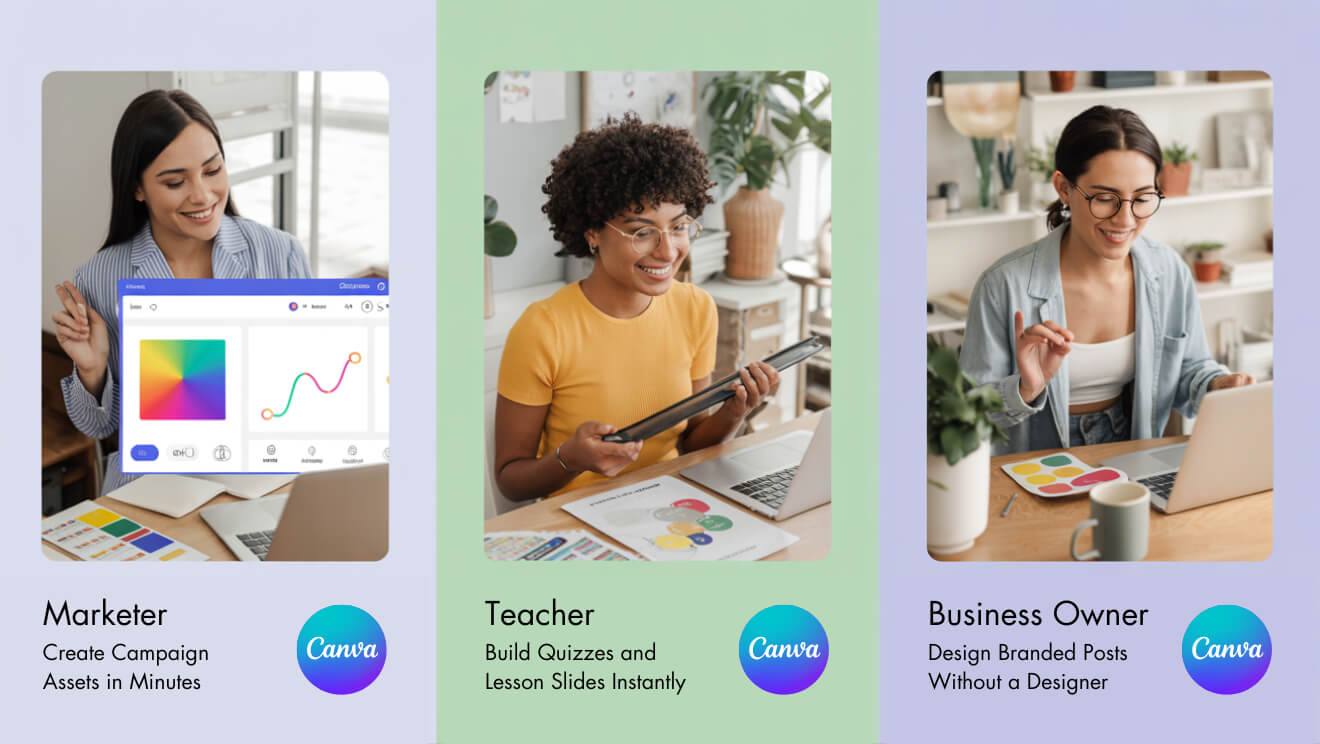
Case Studies
- Marketing agency – Scales campaign assets across brands and saves hours each week
- Small business – Automates social posts and creates product visuals without hiring a designer
- Educators – Prepares teaching materials, quizzes and interactive content in minutes
Responsible Use
- Check AI-generated text and images for accuracy and copyright
- Follow your organisation’s privacy and approval processes
- Always edit content to fit your brand voice
Frequently Asked Questions
Do I need coding skills?
No, Canva AI is built for non-technical users.
What is Magic Write?
Magic Write is Canva’s text generation tool, part of the Canva AI suite.
Can I automate social media?
Yes, you can generate visuals, captions and schedule posts in batches.
Is Pro required?
Some features are free but advanced tools require a Pro plan.
Ready to Design Smarter?
Canva AI gives marketers, educators and business owners the ability to design better and faster. If you want to explore prompts, generate visuals or save time on content creation, now is the time to begin.
Learn Canva AI in one day with hands-on training.
View the Canva AI Course at Nexacu