Australia
 New Zealand
 Singapore
 Malaysia
 Philippines
 Thailand
 Indonesia
Motion Mastery: After Effects for Beginners
Create animations, motion graphics, and visual effects with Adobe Certified trainers - in APAC or live online
Motion graphics are everywhere - from animated logos and product reels to explainer videos and title sequences. If you’ve ever wanted to design visuals that move, this guide will help you get started with Adobe After Effects and show you how the right training accelerates your skills. Our After Effects Essentials course is designed specifically for beginners and self‑taught users - practical, project‑based, and led by Adobe Certified, industry‑experienced instructors.
- Why learn After Effects? It’s the industry-standard tool for motion graphics, used across marketing, education, corporate, and creative industries.
- Beginner-friendly training: Learn animation fundamentals, text, shapes, effects, masks, motion tracking, and intro to 3D.
- Practical outcomes: Create portfolio-ready mini-projects and export optimised files for web, social, and broadcast.
- Flexible delivery: Face-to-face in Sydney, Melbourne, Brisbane, Canberra, Adelaide, Perth or live online.
- Career boost: Motion design is a fast-growing skill set for designers, marketers, and content creators.
Jump to: Why learn After Effects • What you’ll learn • Course outcomes • Industry examples & case studies • How AE fits with Photoshop, Illustrator & Premiere Pro • Beginner tips • Delivery options • FAQs
Why Learn Adobe After Effects?
After Effects is the industry standard for motion graphics, animation, and compositing. Whether you’re a designer, marketer, content creator, or communications professional, learning After Effects helps you turn static assets into attention‑grabbing visuals that drive engagement and brand recognition.
Create content that stands out
- Design animated logos, titles, and lower thirds for video projects.
- Build kinetic typography for Instagram Reels, TikTok, and YouTube.
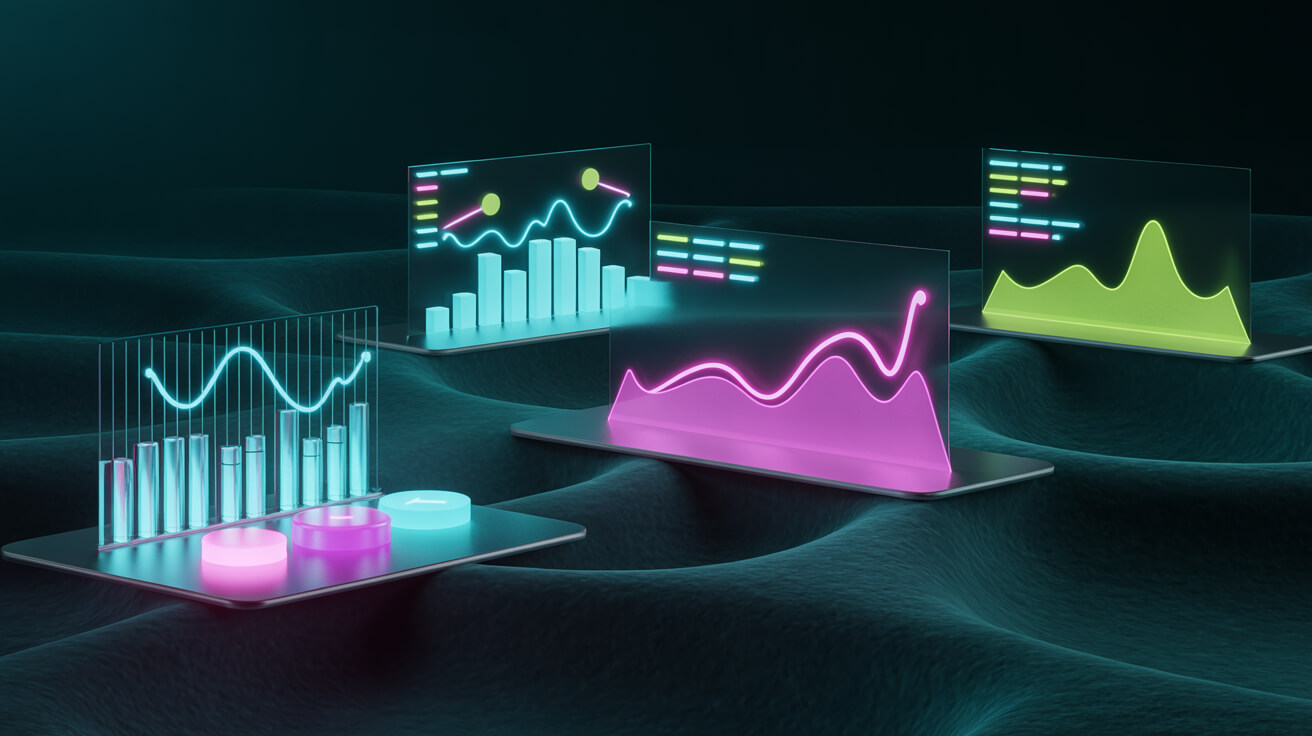
- Turn charts into animated infographics that simplify complex data.
Enhance career opportunities
Motion design is one of the fastest‑growing creative skills. Adding After Effects to your toolkit benefits roles like Graphic Designer, Digital Content Creator, Video Editor, Marketing Specialist, and Multimedia Designer.
Explore the beginner course: After Effects Essentials (Beginner) or browse all After Effects training.
What You’ll Learn in After Effects Essentials
Our training is hands‑on and project‑driven. You’ll complete guided exercises that build from fundamentals to polished motion graphics suitable for web and social media.
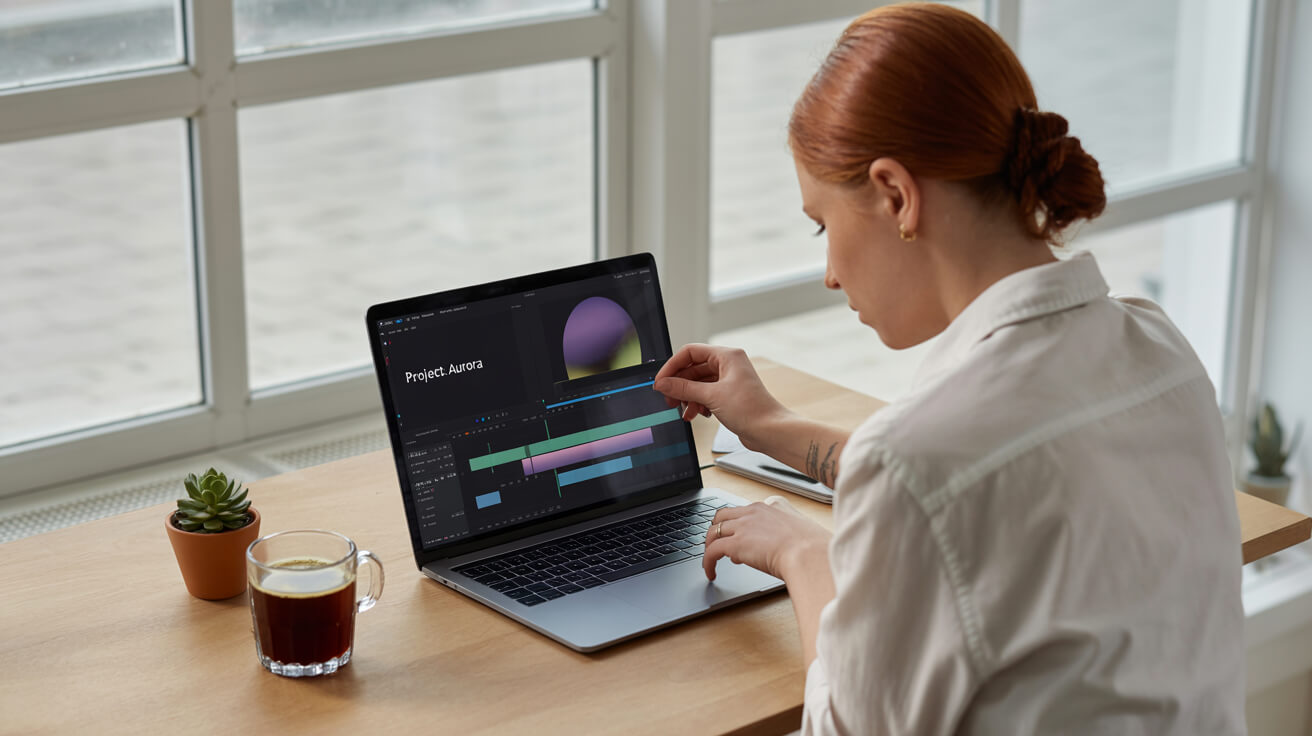
- Interface & Workflow: compositions, timeline, layers, previews, and shortcuts.
- Animation: keyframes, motion paths, easing, interpolation, anchor points, and parenting.
- Text & Typography: titles, type animators, text on a path, and kinetic typography.
- Effects & Presets: transitions, blurs, colour effects, adjustment layers, and custom presets.
- Masks & Mattes: shape and pen tools, track mattes, blending modes, and alpha channels.
- Shapes & Infographics: animated icons, charts, and data‑driven visuals.
- Motion Tracking & Keying: stabilisation, tracking, and green screen (Keylight).
- Intro to 3D: 3D layers, text, and simple camera moves.
- Export: Render Queue and Adobe Media Encoder for .mp4 and multi‑platform output.
See the full outline and upcoming dates: After Effects Essentials course page.
Course Outcomes (What You’ll Be Able to Do)
- Create engaging motion graphics for ads, intros, explainers, and social content.
- Animate with confidence using keyframes, easing, masks, effects, and shape layers.
- Work efficiently with layers, pre‑comps, and templates to speed up production.
- Export projects optimised for Instagram, LinkedIn, YouTube, and broadcast standards.
- Build a small portfolio of mini‑projects to showcase your new skills.
View After Effects Essentials & Book
Industry Examples & Mini Case Studies
After Effects isn’t just for film studios - it’s used across marketing, corporate communications, education, not‑for‑profit, and e‑commerce. Here are practical examples you can replicate:

1) Marketing & Social Media
- Kinetic tips reels: A fitness brand turns static tips into animated typography reels - higher completion rates and a 40% lift in engagement.
- Animated product cards: E‑commerce brand uses shape layer animations and text overlays to showcase features, improving CTR on paid ads.
2) Corporate & Education
- Data storytelling: A university creates animated course overviews and infographics; open‑day campaigns perform better than static PDFs.
- Internal comms: HR teams animate policy updates and onboarding steps - clearer, shorter videos reduce support queries.
3) Film, TV & Events
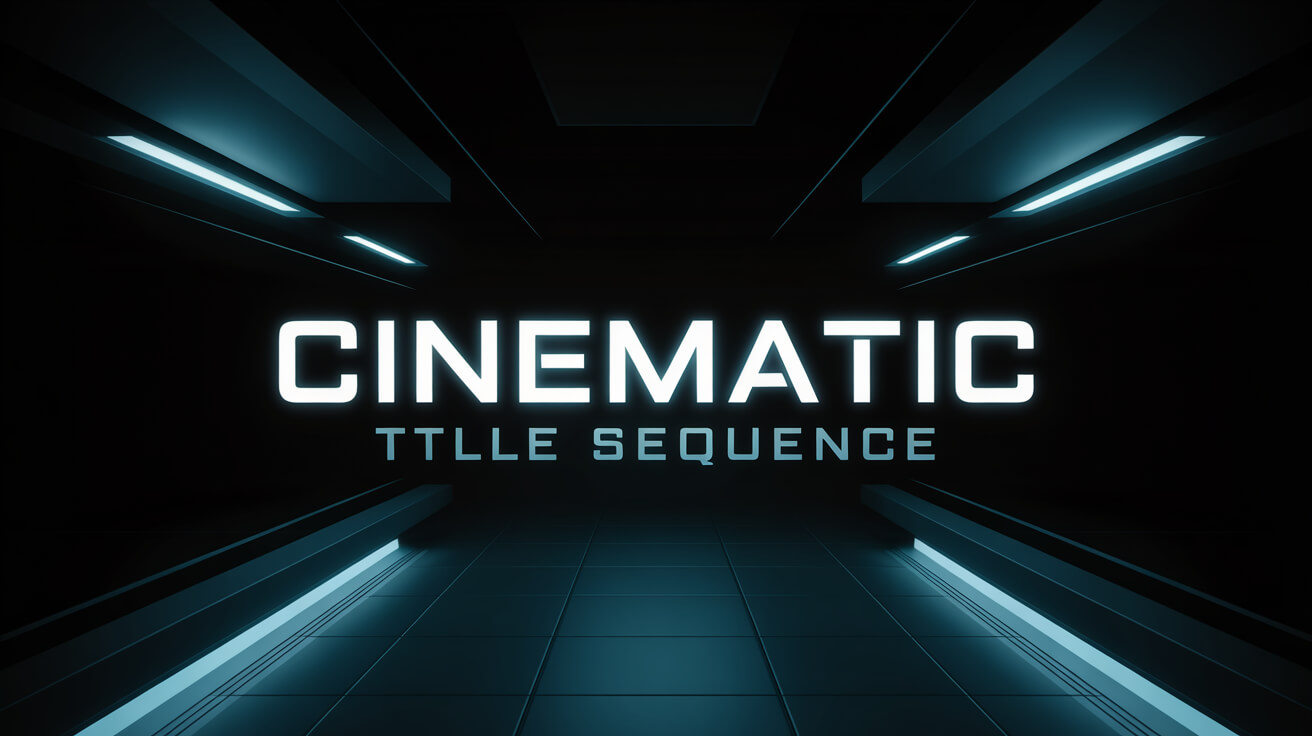
- Title sequences: After Effects handles retro typography, lower thirds, and atmospheric overlays seen in many series and event openers.
- Event screens: Conference openers and speaker bumpers built with text animators and pre‑comps for fast iteration.
4) Government & Not‑for‑Profit
- Awareness campaigns: Animated explainer videos improve message clarity and accessibility.
- Service updates: Motion‑tracked captions and iconography make updates easier to digest across diverse audiences.
How After Effects Fits with Photoshop, Illustrator & Premiere Pro
The Adobe Creative Cloud apps are designed to work together. A common beginner workflow looks like this:
- Design in Illustrator or Photoshop (logos, icons, graphics).
- Animate in After Effects (text, shapes, effects, transitions).
- Edit in Premiere Pro (sequence, audio mix, delivery).
Upskill across the toolset:
Note: Pexels & Unsplash are free for commercial use; attribution is appreciated but not required. Always verify each file’s license on its page before publishing.
Beginner Tips: Learn Faster, Design Better
- Start small: animate a logo sting or 10‑second title before tackling longer videos.
- Use easing: easy ease and graph editor for natural motion.
- Stay organised: name layers, use colour labels, and pre‑compose related elements.
- Customise presets: presets are a starting point; tweak to suit your brand.
- Practice regularly: short, frequent projects build muscle memory.
Delivery Options: Face‑to‑Face or Live Online
Choose the format that suits your schedule - attend on campus in Sydney, Melbourne, Brisbane, Canberra, Adelaide or Perth, or join live online from anywhere in APAC. We also offer corporate training for teams, tailored to your brand assets, templates, and workflows.
See all After Effects dates Enquire about team training
Related Adobe & Creative Training
- Photoshop Essentials - retouching, compositing, and graphics for motion.
- Illustrator Essentials - scalable vector assets ready for animation.
- Premiere Pro Essentials - cut, sequence, and deliver final videos.
- Canva AI - fast concepting and brand‑safe assets to complement Adobe workflows.
Frequently Asked Questions
Do I need prior experience?
No. After Effects Essentials is designed for complete beginners and self‑taught users.
Is a certificate included?
Yes. You’ll receive a Nexacu Certificate of Achievement on successful completion.
Can I attend online?
Yes - choose face‑to‑face or live online delivery for every scheduled date.
Do you offer corporate or private classes?
We do. See Corporate Training for tailored options using your brand assets and file workflows.
How much does the course cost?
Pricing and dates are listed on the course page. Check availability here: After Effects Essentials.
Ready to Start Your Motion Design Journey?
Build job‑ready skills, create professional motion graphics, and produce content you’re proud to share. Join the next Adobe After Effects Essentials cohort with Nexacu.